Your game library, on the console
HTTPS everywhere · Pause and resume · Nothing stored in the clear
PlayShelf browses a library server you run yourself (AeroFoil, Ownfoil or a plain JSON index) and installs your own backups and homebrew from it: NSP, NSZ, XCI and XCZ, queued, paused, resumed, checked as they install.
No release yet: PlayShelf is in development, and the simulator shows where it stands.
What it does
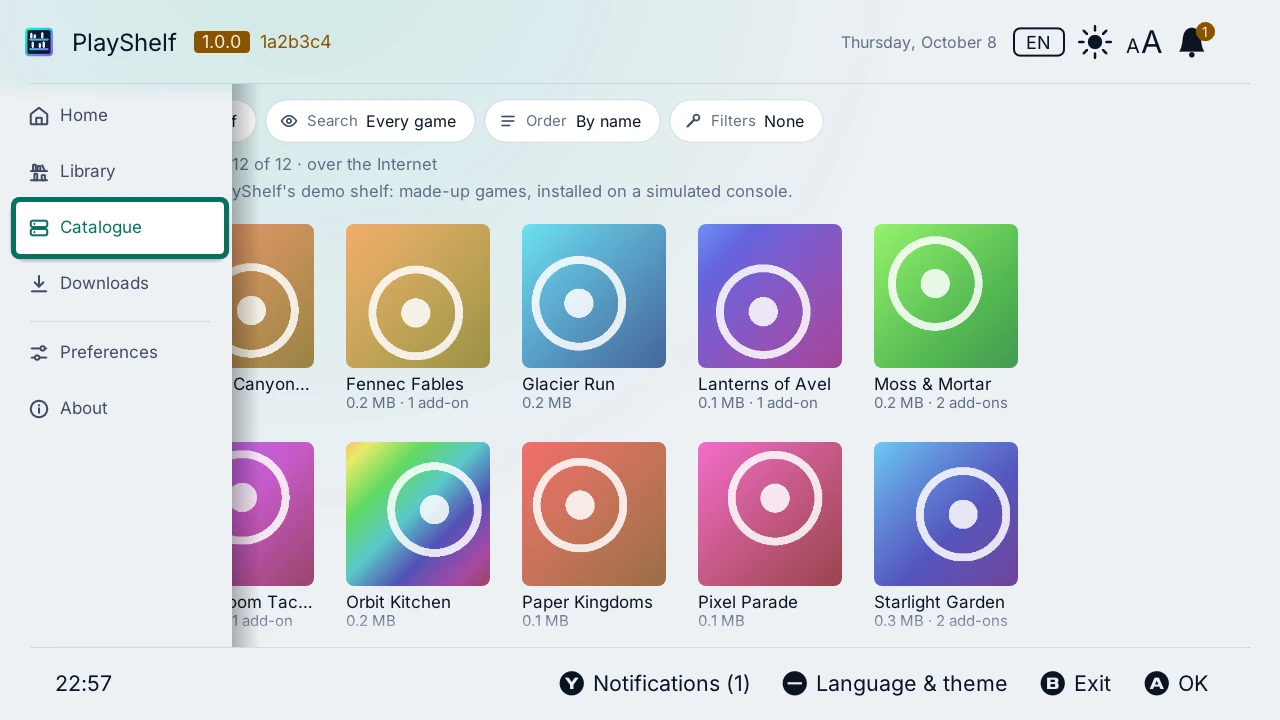
The catalogue of your server
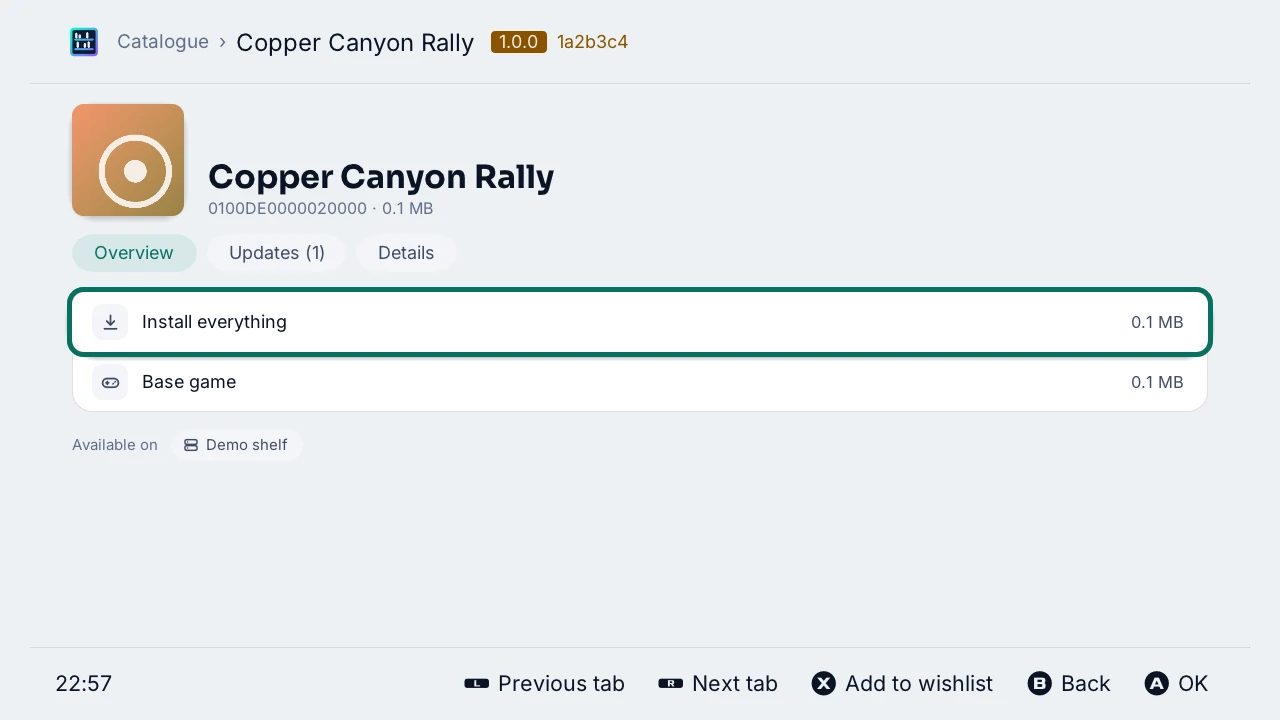
Every game as a cover with its size and add-ons, searched, sorted and in sections; a game's page installs its base game, its updates and add-ons, or “Install everything” at once.
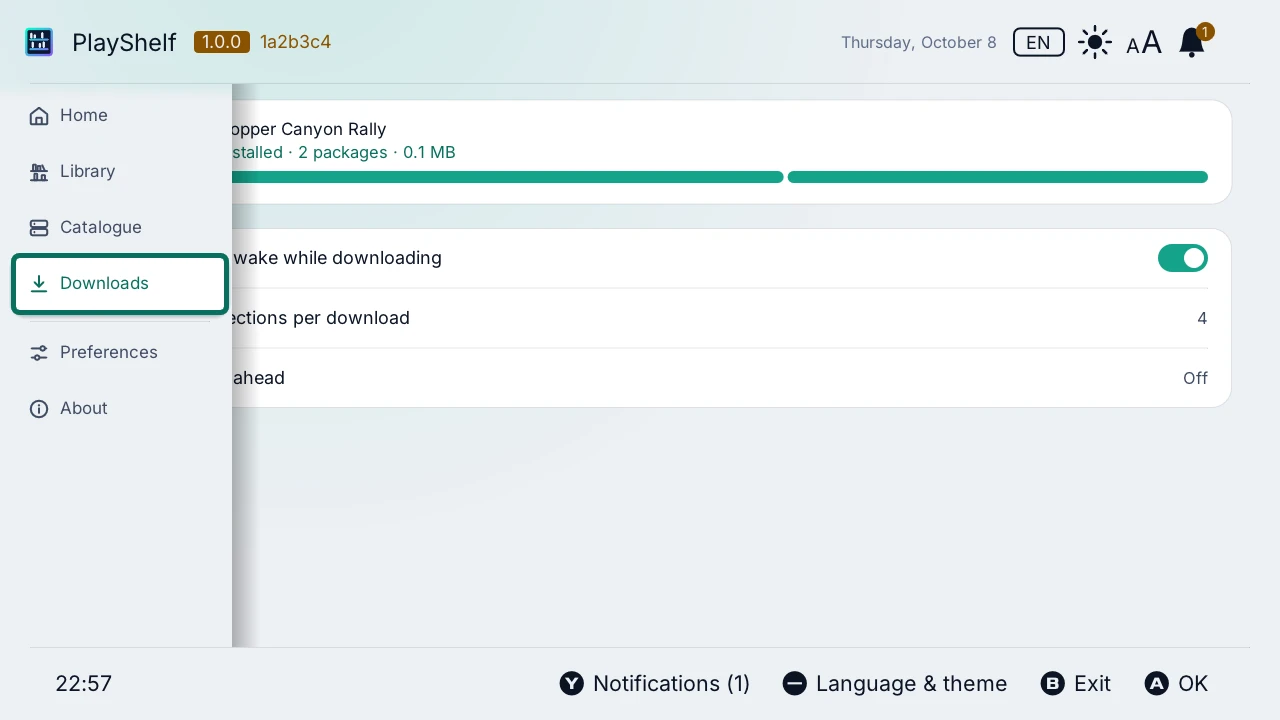
Downloads that keep going
A queue installed one package after the other, paused and resumed, tried again by itself from where it stopped; up to 8 connections per download, and the next packages fetched ahead.
Secure by default
HTTPS only, certificates always verified; a server of your network with a certificate of its own trusted once you have compared its key; passwords sealed for the console.
And also
Found on your network
“Find on this network” lists the AeroFoil and Ownfoil servers of your network; a server can have an address at home and one over the Internet.
Names and icons offline
A title database on the SD card, from CyberFoil-DB, NXMeta and Ghostland or your own sources, each pack checked by its SHA-256.
Your installed games
The Library shows what the console has, and what the server has newer: an update to install, the add-ons still missing.
Updates itself
A new release installed from the app, in place, with sphaira or the Homebrew App Store, and the previous one kept to go back to.
Every console language
The 15 languages of the console, light and dark themes, larger text on the TV.
On the console
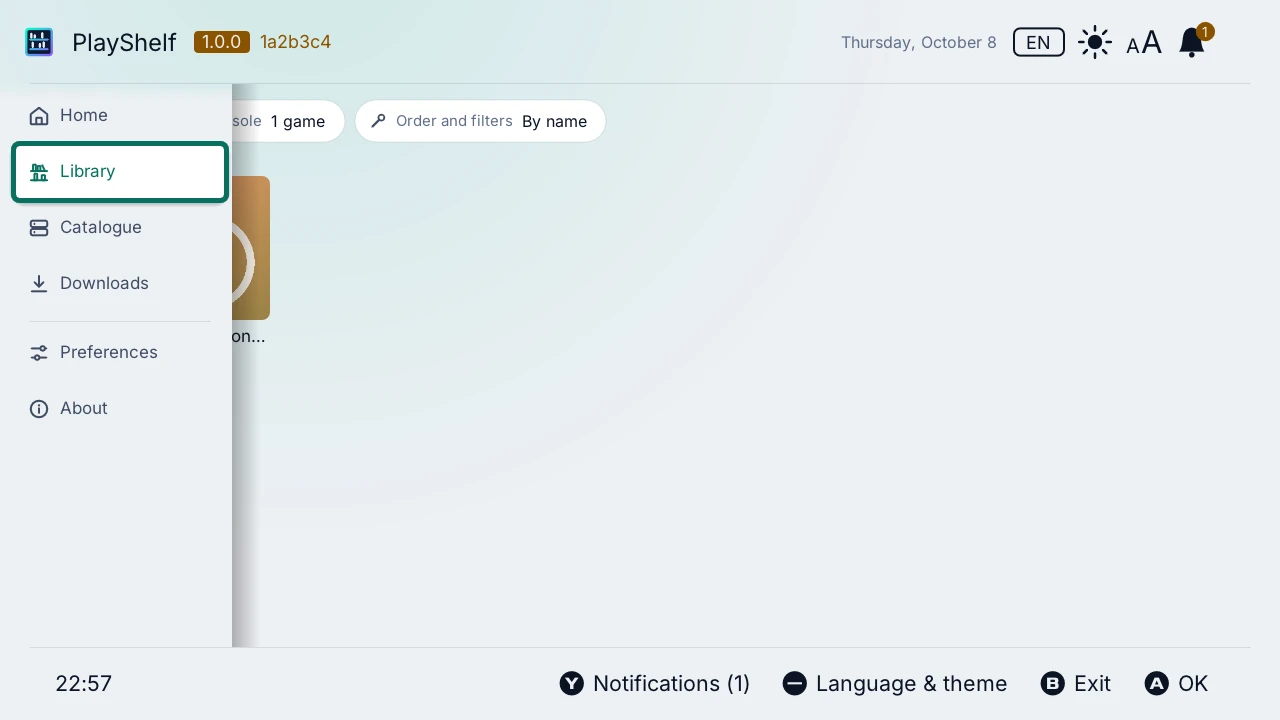
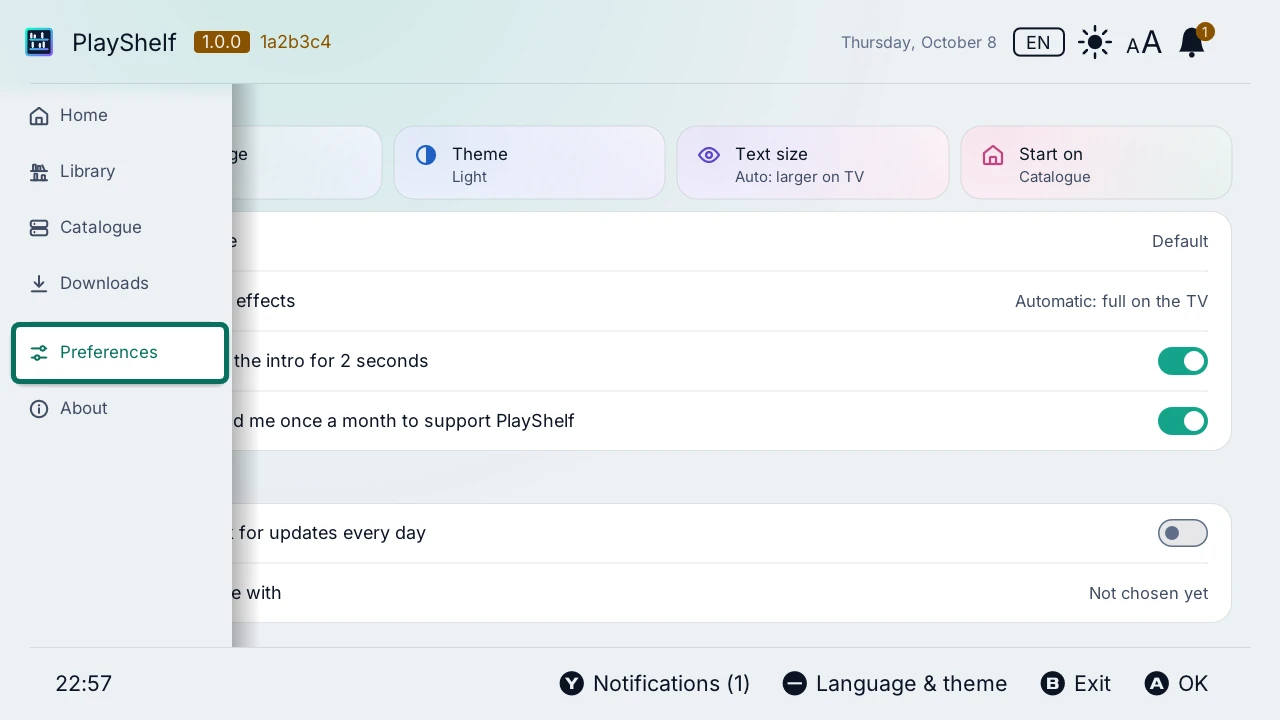
Try it before you install it
The real PlayShelf runs in your browser, against a simulated console and a demo library server of made-up games: browse the catalogue, install a game, pause a download, try every setting.
Install
- A Nintendo Switch with Atmosphère, and sys-patch or sigpatches.
- Extract playshelf.zip from the latest release to the root of the SD card.
- Launch PlayShelf from the homebrew menu.
Quick start
- “Add a server”: its https:// address, on your network or over the Internet, and its account if it has one; or “Find on this network”.
- In the “Catalogue”, a game's page: “Install everything”, or a package of it.
- The “Downloads” install them one after the other; the “Library” shows them once installed.
Questions
What is a library server?
A server you run on a computer or a NAS, which lists your backups and serves them: AeroFoil or Ownfoil, or any web server with a plain JSON index of your files. PlayShelf reads its catalogue and downloads the packages from it.
Where do the games come from?
From your own server only: PlayShelf comes with no game and no source of games. It is made to install your own backups and homebrew.
Which servers does it work with?
AeroFoil and Ownfoil, through their API, and any server that serves a JSON index of files (files, directories, titledb), over HTTPS. A user name and password if the server asks for them.
Does it read Tinfoil shops?
Not encrypted ones: PlayShelf reads no encrypted index, sends no Tinfoil authentication header and no console identifier. A plain JSON index works.
Why only HTTPS?
So that the catalogue, your password and the packages cannot be read or changed on the way. A server of your network with a certificate of its own is trusted once, after you have compared its key; there is no option to turn the checks off.
What does the console need?
Atmosphère, and sys-patch or sigpatches for the games to start: PlayShelf says so before installing when it finds neither.
Does it work on a Switch 2?
No: there is no Atmosphère for the Switch 2.
Is it free?
Yes: free and open-source software, under the GNU GPL v3.